The Department of Child and Family Services (DCFS) today announced the launch of the "Go Blue for Child Abuse Prevention" campaign, coinciding with Child Abuse Prevention Month.
“…
Good day to Members of the media and the listening public.
Bermuda's economy continues to expand and demonstrate positive economic performance. During the 3rd quarter of 2023,…
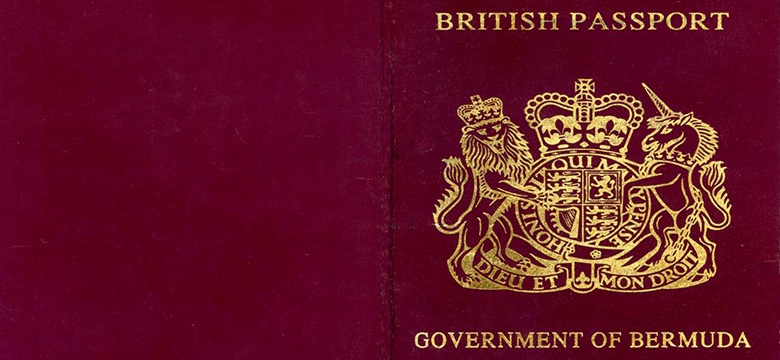
The Ministry of Economy and Labour is pleased to announce of the restoration of the Country Authority Code in the Bermuda passports.
The Ministry confirmed that effective April 30…
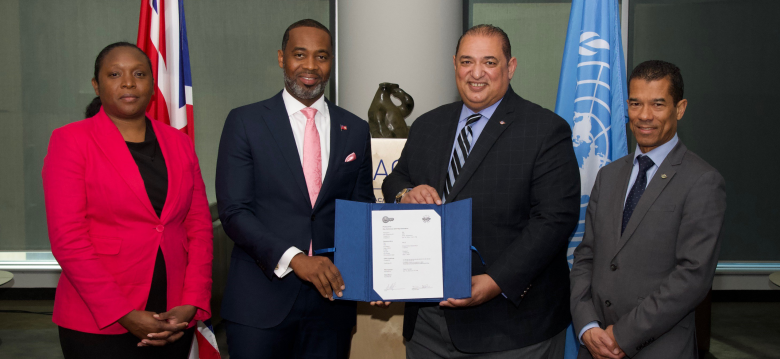
The Premier, Hon. E. David Burt, JP, MP, will travel today to Montreal, Canada, to the headquarters of the International Civil Aviation Organisation (ICAO), where he will take…
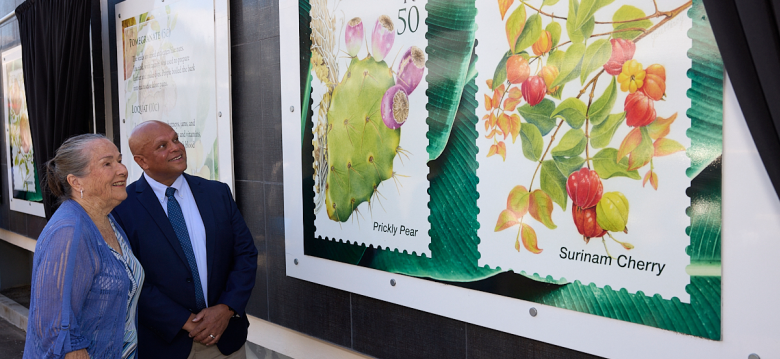
“To celebrate the variety of naturally occurring vegetation on our small island, I am pleased to announce the launch of a new commemorative stamp collection showcasing Bermuda…